It can be frustrating when you’ve tried several times and your JAMB slip still refuses to load or print. At this stage, anxiety usually sets in, especially when your exam date is close.
Many candidates face this exact issue every year. The truth is, the problem is often not as serious as it seems.
A common question students ask is: “What should I do if I still can’t print my JAMB slip 2026?”
This guide walks you through practical solutions that work in real situations. By the end, you will know exactly how to fix the issue and print your slip without stress.
Why Your JAMB Slip Still Isn’t Printing (After Several Attempts)
If you have tried multiple times without success, there is usually a clear reason behind it. Understanding the cause helps you fix it faster.
Common reasons include:
- Persistent server issues: The JAMB portal may be overloaded when many candidates try to print at once
- Incorrect or incomplete registration: Wrong details can block access
- Technical device errors: Some phones or browsers cannot load the page properly
- Timing issues: Printing during peak hours slows everything down
Many students assume the problem is serious, but in most cases, it is temporary and can be fixed within minutes.
Step-by-Step Solutions If Your JAMB Slip Is Not Printing
If your JAMB exam slip printing is not working, follow these steps carefully.
1. Confirm That Slip Printing Has Officially Started
Before anything else, make sure JAMB has released the slips.
- Check official announcements https://slipsprinting.jamb.gov.ng/
- Avoid trying too early
- Wait for confirmation before retrying
Trying before release often leads to errors or blank pages.
2. Double-Check Your Registration Details
Simple mistakes can stop access completely.
Make sure:
- Your registration number is correct
- Your email address matches what you used during registration
- There are no typing errors
Even one wrong digit can prevent your JAMB reprint slip 2026 from showing.
3. Switch to a Better Device
Many students rely on phones, but not all devices handle the portal well.
- Use a laptop or desktop computer
- Avoid low-end smartphones
- Ensure your device is updated
A better device often solves loading and printing problems instantly.
4. Change Your Browser Immediately
Browser compatibility matters more than most students realize.
Try:
- Google Chrome
- Mozilla Firefox
- Microsoft Edge
Also, update your browser to the latest version. Older versions may not support the JAMB portal properly.
5. Try Printing at Off-Peak Hours
Timing plays a major role in successful printing.
Best time to print JAMB slip:
- Early morning (5am–8am)
- Late night (10pm–2am)
During these periods, fewer candidates are online, and the system runs faster.
Advanced Fixes If the Problem Persists
If basic steps do not work, try these more technical solutions.
Clear Browser Cache and Cookies
- Improves loading speed
- Fixes display errors
- Removes corrupted data
After clearing, reload the page and try again.
Use a Different Internet Network
Poor network can interrupt the process.
- Switch from mobile data to Wi-Fi
- Try another network provider
- Avoid unstable connections
A strong network makes a big difference.
Disable Pop-up Blockers
Some browsers block the print window automatically.
- Check browser settings
- Allow pop-ups for the JAMB site
- Reload and try again
Try Another Location
Network strength varies depending on your area.
If possible:
- Move to a place with better signal
- Try a different environment
This simple change often solves the issue.
Visit a JAMB Accredited CBT Center (Most Reliable Solution)
If everything fails, this is the fastest and most reliable option.
CBT centers are equipped to handle JAMB exam slip printing issues.
Why this works:
- Staff are trained to solve JAMB-related problems
- They use stable internet connections
- They can troubleshoot instantly
Real value tip: Many Nigerian students walk into CBT centers and print their slips within minutes after struggling at home.
Use Cyber Cafés for Quick Assistance
Cyber cafés remain one of the easiest solutions across Nigeria.
Benefits:
- Experienced with JAMB processes
- Affordable services
- Reliable printing equipment
In many cases, what fails on your phone works immediately at a café.
Contact JAMB Support for Unresolved Issues
If your problem still continues, reach out to JAMB directly.
Steps:
- Use official support channels
- Provide your correct registration details
- Follow up if necessary
This option is useful for rare technical or registration issues.
Common Mistakes That Keep You Stuck
Many students unknowingly worsen the situation by making these mistakes:
- Waiting until the last day
- Using incorrect login details repeatedly
- Ignoring official announcements
- Trying only one method
Avoid these mistakes to save time and reduce stress.
Real-Life Example: How a Student Solved a Persistent JAMB Slip Issue
A student in Lagos struggled for two days trying to print his slip.
- He kept getting login errors
- His phone could not load the portal properly
What he did differently:
- Switched to a laptop
- Changed browser
- Visited a CBT center
Within minutes, his slip was printed successfully.
This shows that the right approach can solve the problem quickly.
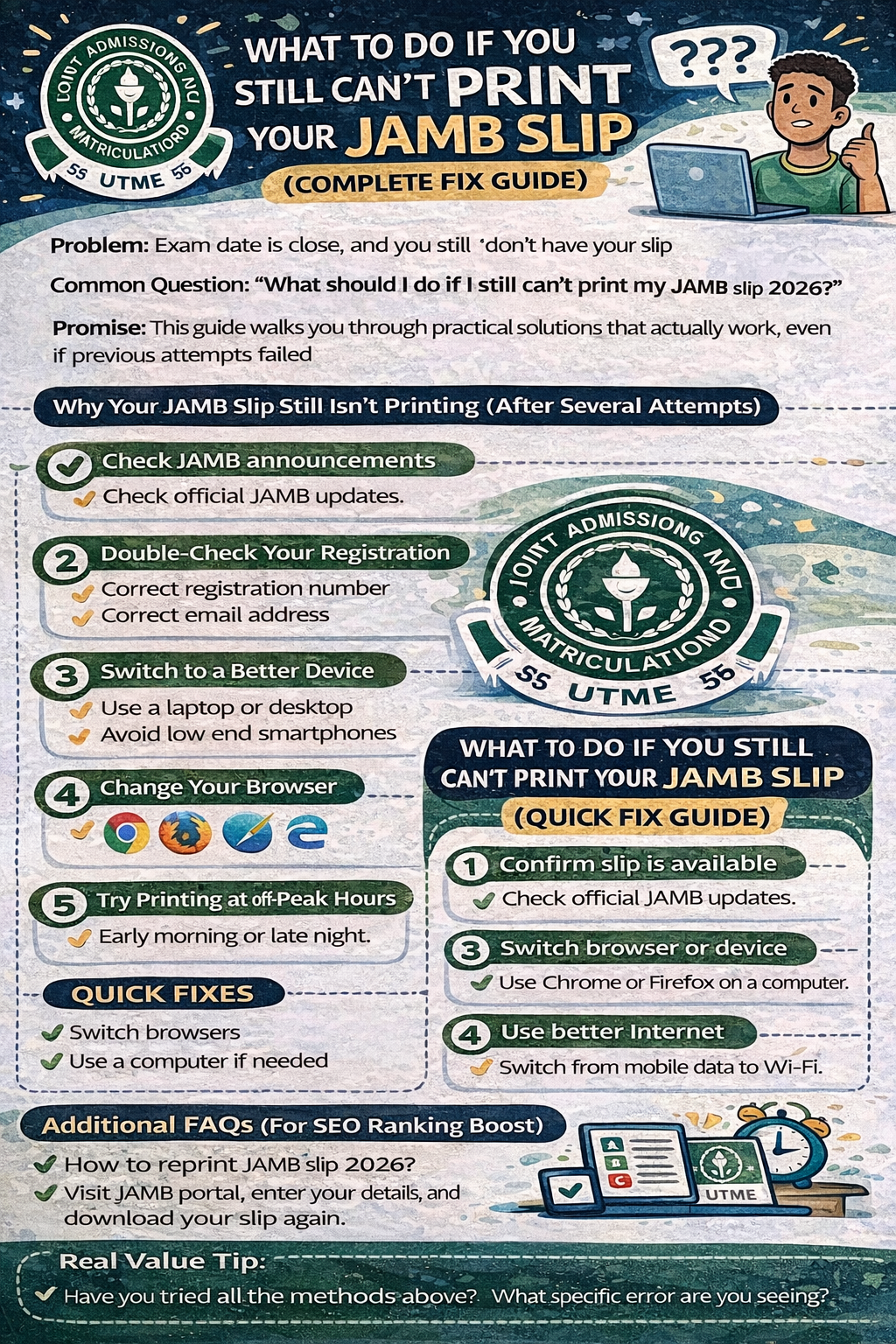
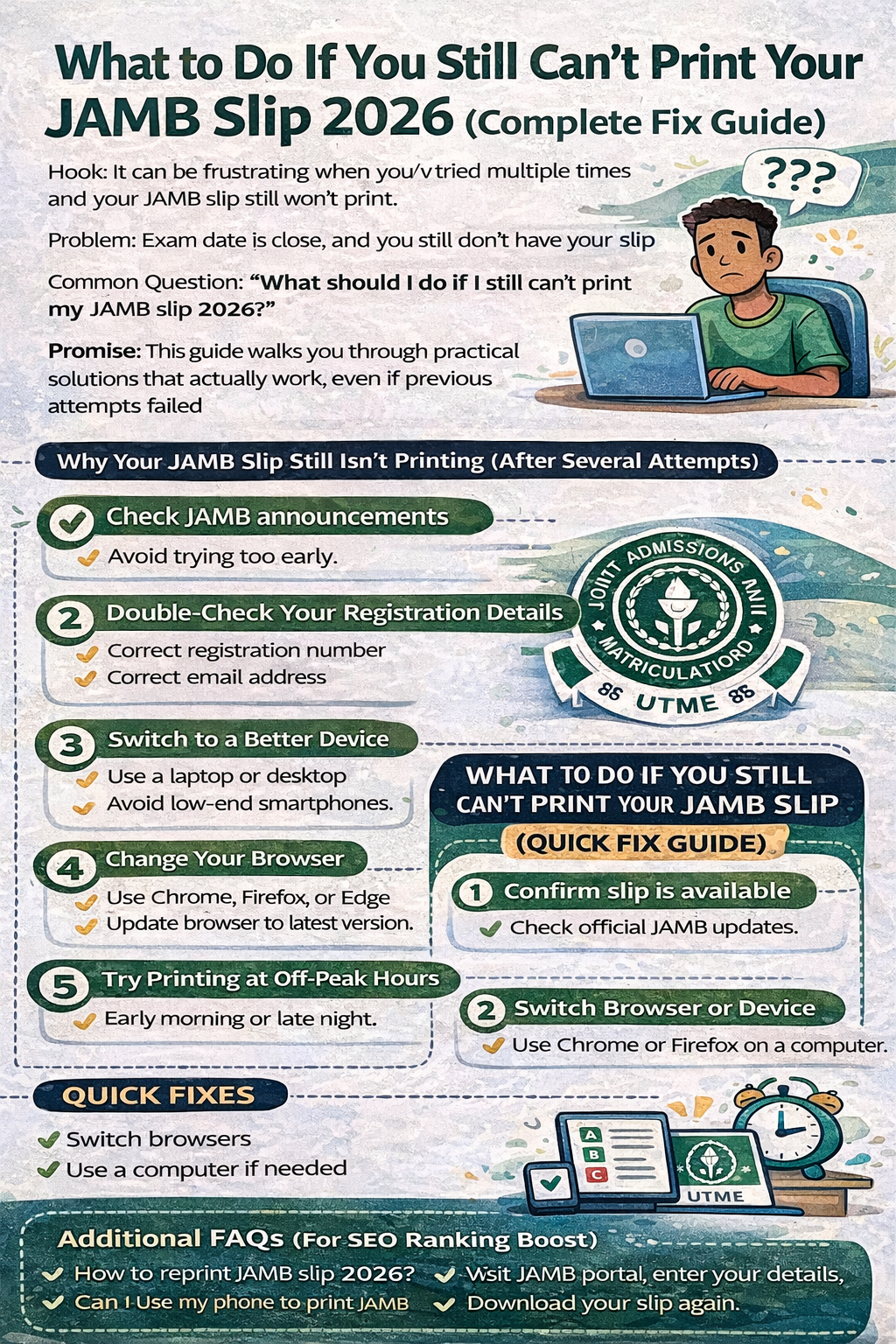
What to Do If You Still Can’t Print Your JAMB Slip (Quick Fix Guide)
- Confirm slip is available
- Check your login details
- Switch browser or device
- Use better internet
- Print during off-peak hours
- Visit CBT center for help
Frequently Asked Questions (FAQs)
What should I do if my JAMB slip is not printing?
Switch devices, check your details, and try again during off-peak hours. If it persists, visit a CBT center.
Why is JAMB portal not loading?
This usually happens due to high traffic or poor internet connection.
Can I print my JAMB slip at a cyber café?
Yes. It is one of the fastest and most reliable options for most students.
What is the best time to print JAMB slip?
Early morning or late night when traffic is low.
Can CBT centers help with printing issues?
Yes. They are trained to resolve such issues quickly and efficiently.
How to reprint JAMB slip 2026?
Visit the JAMB portal, enter your registration details, and click on “Print Examination Slip.”
Why is my JAMB slip not showing?
It may not have been released yet, or your details may be incorrect.
Can I use my phone to print JAMB slip?
Yes, but a computer is more reliable for proper display and printing.
What if my exam date is missing?
Wait and refresh later, or check through a CBT center for assistance.
How do I fix JAMB portal errors?
Switch browsers, use better internet, clear cache, or try again later.
Conclusion: Don’t Wait, Take Action Immediately
Most JAMB slip printing issues are temporary and easy to fix.
The key is to act early and try different solutions instead of repeating the same method. A small change, such as switching devices or visiting a CBT center, can save you hours of frustration.
Stay calm, follow the steps in this guide, and you will get your slip without unnecessary stress.
Call to Action
- Try printing your JAMB slip again now
- Visit a CBT center if needed
- Share this guide with friends facing the same issue
Now Over To You
Have you tried all the methods above?
What specific error are you seeing right now?
Which course are you planning to study in university? Let us know in the comments.