
If you have never used a computer before, the idea of writing JAMB can feel intimidating.
Many students worry about the same things:
- “What if I don’t know how to use a mouse?”
- “Will I fail because I am not computer literate?”
- “Is the JAMB CBT exam too difficult for beginners?”
These fears are real, especially for students coming from schools where computer practice is limited.
But here is the truth.
You can pass JAMB even if you have little or no computer knowledge.
By the end of this guide, you will understand how to write JAMB successfully, how the CBT system works, and what simple steps you can take to build confidence before exam day.
Can You Write JAMB Without Knowing Computer?
Yes, you can.
The exam is organized by the Joint Admissions and Matriculation Board, and it is designed for all students, including those with no prior computer experience.
Why Many Students Without Computer Skills Still Pass JAMB
Every year, thousands of candidates write JAMB for the first time. Many of them have never used a computer before, yet they still score above average.
This happens because:
- The CBT system is simple and user-friendly
- Instructions are clearly explained before the exam starts
- You only need basic clicking skills, not advanced knowledge
In fact, many students realize during the exam that it is easier than they expected.
Understanding the JAMB CBT System
JAMB CBT means Computer-Based Test. Instead of writing on paper, you answer questions on a computer screen.
What You Will See on the Screen
When the exam begins, your screen will display:
- Questions with multiple-choice options (A, B, C, D)
- Navigation buttons such as “Next” and “Previous”
- A timer showing how much time you have left
Everything is arranged clearly. You will not need to search for anything.
Tools You Will Use During the Exam
You only need two things:
- Mouse – for selecting answers
- Keyboard – rarely used
Most of the work is done by clicking, not typing.
Basic Computer Skills You Need (Very Simple)
You do not need to attend a computer school before writing JAMB. Just learn a few simple actions.
How to Use a Mouse
- Left click: Select an answer
- Right click: Not necessary for JAMB
- Scroll: Move up or down if needed
That is all.
How to Select Answers in JAMB
- Click on your preferred option (A, B, C, or D)
- To change an answer, click another option
- Use “Next” to move forward
- Use “Previous” to go back
It works like selecting options on a phone.
Step-by-Step Guide to Writing JAMB Without Computer Experience
This is the most important part of this guide.
Before the Exam
Preparation reduces fear.
Here is what to do:
- Practice with CBT apps used by Nigerian students
- Watch simple tutorial videos online
- Visit a nearby CBT center if possible
- Try using a mouse at least once
Even two or three days of practice can make a big difference.
During the Exam
On exam day, stay calm and follow these steps:
- Read all instructions carefully
- Use the mouse to select answers
- Move steadily from one question to another
- Keep an eye on the timer
Do not rush at the beginning. Build your rhythm.
After the Exam
If you still have time:
- Go back and review your answers
- Check for mistakes
- Submit confidently
Once you click submit, your answers are recorded instantly.
JAMB CBT Study Tips for Beginners
Preparing for JAMB is not only about reading books. You also need to practice how the exam works.
Practical Tips That Work
- Practice CBT questions daily
- Start with subjects you understand
- Build speed gradually
- Focus on accuracy first, then speed
Best CBT Apps Used by Nigerian Students
Many students now use CBT apps because they simulate the real exam.
Benefits include:
- Real exam interface
- Timer-based practice
- Instant scoring
- Familiarity with question patterns
This is one of the best ways to learn how to use a computer for JAMB without stress.
Common Mistakes First-Time CBT Candidates Make
Avoiding these mistakes can improve your performance.
- Panic during the exam
- Clicking wrong answers due to haste
- Not practicing beforehand
- Ignoring time management
These are not knowledge problems. They are preparation problems.
How to Overcome Fear of Computer Exams
Fear is normal, especially if this is your first CBT experience.
Simple Confidence Hacks
- Practice regularly
- Simulate real exam conditions at home
- Stay calm during practice sessions
- Remind yourself that the system is simple
Confidence grows with exposure.
Real-Life Example (Nigerian Student)
A student from a public school in Ogun State had never used a computer before registering for JAMB.
At first, he was afraid.
He spent one week practicing with a CBT app at a local cyber café. He learned how to move the mouse and answer questions.
On exam day, he stayed calm and followed instructions.
His result was 262.
His success did not come from computer knowledge. It came from preparation and confidence.
Sample Practice Plan for Beginners
If you are starting from zero, this plan can help you quickly adjust.
7-Day CBT Practice Plan
- Day 1–2: Learn mouse basics and navigation
- Day 3–4: Practice simple CBT questions
- Day 5–6: Take full-length CBT tests
- Day 7: Attempt a timed mock exam
Within one week, you will feel more comfortable using the system.
What to Expect on JAMB Exam Day
Knowing what to expect helps reduce anxiety.
Exam Day Process
- Arrive early at your CBT center
- Complete biometric verification
- Get assigned to a computer system
- Listen to instructions from invigilators
- Begin your exam
If you have any issue, raise your hand. Officials are there to help.
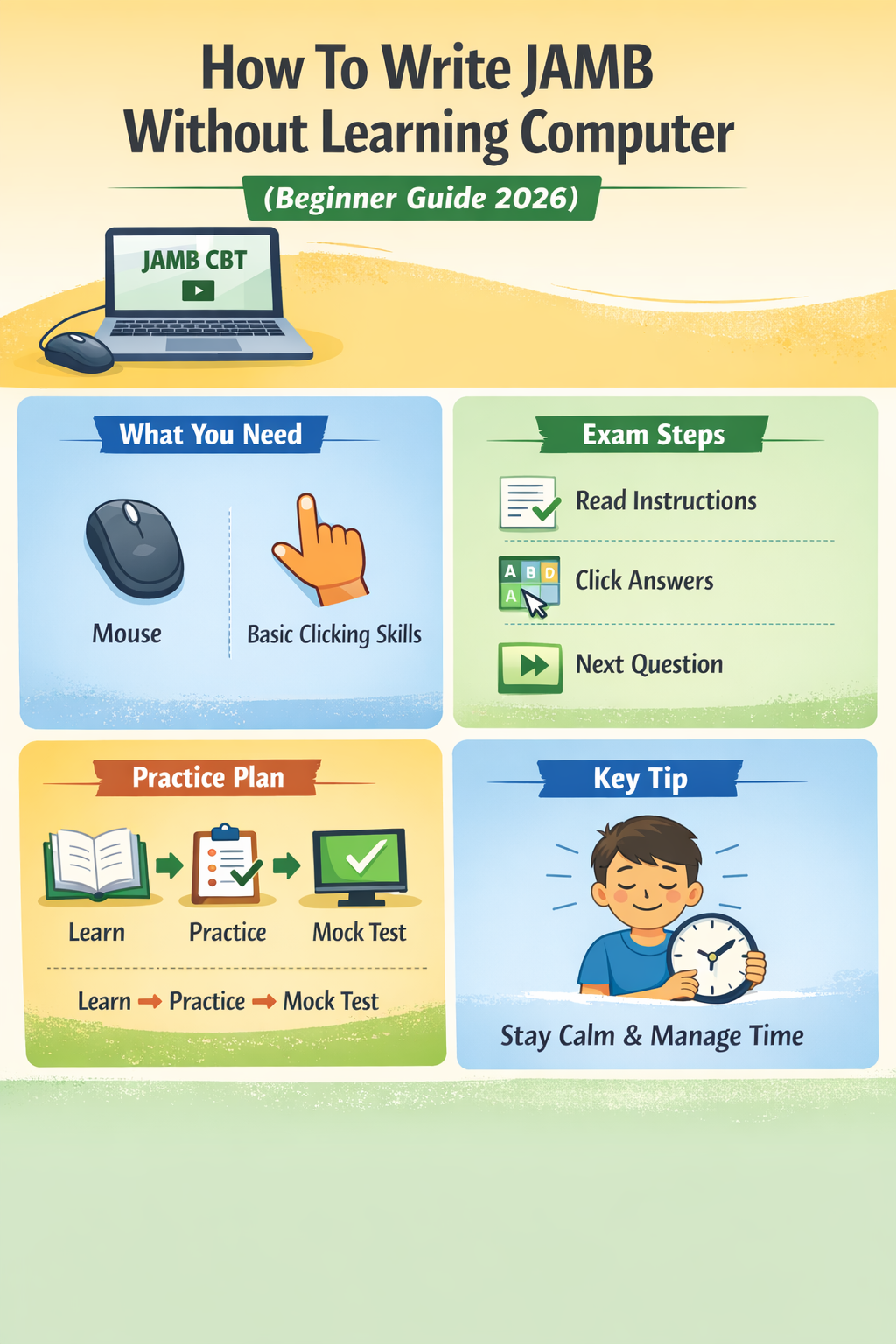
How To Write JAMB Without Learning Computer (Beginner Guide 2026)
Section 1: What You Need
- Mouse
- Basic clicking skills
Section 2: Exam Steps
- Read instructions
- Click answers
- Move to next question
Section 3: Practice Plan
- Learn → Practice → Mock test
Section 4: Key Tip
- Stay calm and manage time
Frequently Asked Questions (FAQs)
Can I write JAMB without knowing computer?
Yes. The system is designed for beginners. You only need basic mouse clicking skills.
Is JAMB CBT difficult for beginners?
No. It may feel strange at first, but with a little practice, it becomes easy.
How many days does it take to learn CBT basics?
Most students learn within 3 to 7 days of consistent practice.
What if I make a mistake during the exam?
You can go back and change your answer before submitting.
Do I need to type in JAMB exam?
No. You mostly click answers. Typing is rarely required.
How to pass JAMB CBT as a beginner?
- Practice regularly
- Use CBT apps
- Focus on accuracy
- Manage your time
How to use mouse and keyboard in JAMB exam?
- Use the mouse to click answers
- Use the keyboard only if necessary
- Focus on navigation buttons
What are the best tips for first-time JAMB CBT candidates?
- Stay calm
- Read instructions carefully
- Practice before exam day
- Do not rush through questions
Conclusion
Writing JAMB without computer knowledge is not a disadvantage.
What matters is preparation.
When you understand how the system works and practice a little, your confidence improves. The exam becomes easier to handle.
You do not need advanced computer skills. You only need basic understanding and steady practice.
Start today.
Practice with a CBT app. Learn how to use a mouse. Build your confidence step by step.
You don’t need advanced computer skills to pass JAMB. Start practicing today, build your confidence, and take control of your success.
Which course are you planning to study in university? Let us know in the comments.
