
Many students are not afraid of JAMB questions. What really worries them is the computer.
You may know your subjects well, yet still feel unsure because you are not used to computers. This is a common challenge, especially for candidates who have little exposure to CBT exams.
So the question comes up often: How do I use a computer during JAMB exam?
The good news is simple. You do not need advanced computer skills to succeed.
In this guide, you will learn how to use computer in JAMB exam 2026 step by step. Everything is explained in a clear and practical way so you can walk into the exam hall with confidence.
What Is JAMB CBT and How Does It Work?
JAMB CBT means Computer-Based Test. Instead of writing on paper, you answer questions using a computer system.
Here is how it works:
- You sit in front of a computer at a CBT center
- Questions appear on the screen
- You select answers using a mouse or keyboard
- Your time is displayed on the screen
JAMB fully adopted CBT across Nigeria to reduce malpractice and improve efficiency.
Key Facts About JAMB CBT
- Total questions: about 180 across four subjects
- Time allowed: usually around 2 hours
- Each subject has a fixed number of questions
Understanding this system is an important part of learning how to pass JAMB 2026.
Basic Computer Skills You Need for JAMB
You do not need to be a computer expert. Just basic skills are enough.
Mouse Skills
- Click: Select an answer
- Double-click: Open items (rarely needed in JAMB)
- Scroll: Move through long questions
Keyboard Basics
You may not use the keyboard often, but it helps to know a few keys.
Important Keyboard Keys to Know
- Enter key: Confirm actions
- Arrow keys: Move between options
- Backspace: Correct mistakes
- Number keys: Sometimes used for navigation
These simple skills form the foundation of a CBT exam guide for beginners.
Step-by-Step Guide on How to Use Computer in JAMB Exam 2026
Step 1: Login to Your Exam System
At the CBT center:
- You will be assigned a computer
- Enter your registration number
- Follow the instructions on the screen
Take your time and do not rush.
Step 2: Understand the JAMB CBT Interface
Before the exam begins, look carefully at the screen.
You will see:
- Question panel
- Answer options (A, B, C, D)
- Navigation buttons
Spend a few seconds to understand where everything is.
Step 3: Select and Submit Answers
To answer a question:
- Click on the correct option
- Make sure it is selected before moving on
A selected answer usually changes color or shows a mark.
Step 4: Navigate Between Questions
You can move freely between questions.
- Click Next to go forward
- Click Previous to go back
- Use question numbers to jump quickly
This helps you manage time effectively.
Step 5: Review and Submit Your Exam
Before submitting:
- Check unanswered questions
- Review doubtful answers
- Watch your time carefully
Submit your exam before the timer runs out.
JAMB CBT Exam Interface Explained (With Simple Table)
| Feature | Function |
|---|---|
| Question Area | Displays the current question |
| Options Panel | Shows answer choices (A–D) |
| Navigation Bar | Helps you move between questions |
| Timer | Shows remaining time |
Understanding this layout improves your confidence during the exam.
Common Mistakes Students Make During CBT Exams
Many students lose marks due to simple errors.
Avoid these:
- Clicking the wrong answer because of panic
- Forgetting to review answers
- Spending too much time on one question
- Ignoring the timer
These mistakes can reduce your score even if you studied well.
Tips to Improve Your Speed and Accuracy in CBT Exams
Speed and accuracy are key to success.
Here are practical JAMB CBT study tips:
- Practice regularly with CBT apps
- Read questions carefully before answering
- Skip difficult questions and return later
- Keep an eye on the timer
These habits will help you perform better under pressure.
How to Practice Using a Computer Before JAMB
Use CBT Practice Apps
Many Nigerian students use mobile apps for practice.
- Simulate real exam conditions
- Practice all subjects
- Improve speed
Visit CBT Centers for Practice
If possible:
- Visit a CBT center before your exam
- Get familiar with the system
- Reduce fear and anxiety
Practice with Online Mock Tests
Online tests can help you:
- Track your performance
- Identify weak areas
- Improve gradually
This is one of the most effective ways to prepare.
Real-Life Example: How a Student Overcame CBT Fear
Sadiq, a student from Kano, had never used a computer before registering for JAMB.
At first, he was afraid he would fail because of this.
He decided to take action:
- Practiced daily with CBT apps
- Learned basic mouse skills
- Took online mock tests
After a few weeks, he became comfortable.
In the actual exam, he was calm and focused. His final score was above 250.
His success shows that computer skills can be learned quickly.
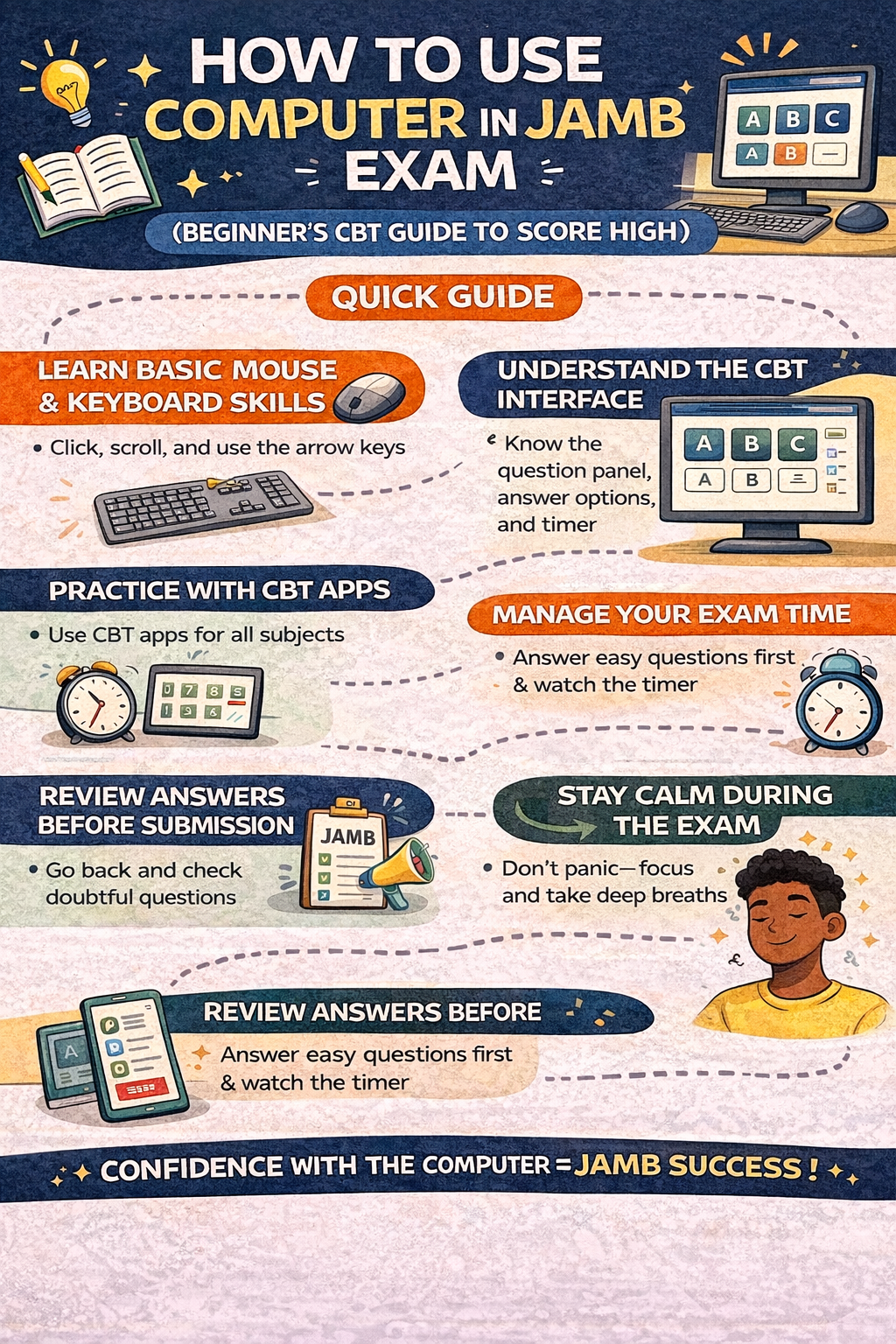
How to Use Computer in JAMB Exam (Quick Guide)
- Learn basic mouse and keyboard skills
- Understand the CBT interface
- Practice with CBT apps regularly
- Manage your exam time carefully
- Review answers before submission
- Stay calm during the exam
Frequently Asked Questions (FAQs)
Do I need computer knowledge to pass JAMB?
Basic knowledge is enough. You can learn it within a short time.
Can I pass JAMB without knowing how to use a computer?
It is risky. You need at least basic CBT skills to perform well.
How do I answer questions in JAMB CBT?
Click the correct option and move to the next question.
What happens if I make a mistake during the exam?
You can go back and change your answer before final submission.
What are the best JAMB CBT study tips?
Practice regularly, manage your time, and stay calm.
How can I practice JAMB CBT at home?
Use mobile apps or online CBT platforms designed for JAMB practice.
Is JAMB CBT difficult for beginners?
No. With practice, it becomes easy and familiar.
How many questions are in JAMB CBT exam?
Usually around 180 questions across four subjects.
How is time managed in JAMB CBT?
A timer is displayed on your screen to guide you.
Can I change my answers during JAMB exam?
Yes, you can edit your answers before submitting.
What if my computer stops during the exam?
Report immediately to the supervisor. CBT centers usually have backup systems.
Do I need typing skills for JAMB?
No. Most answers are selected by clicking options.
Conclusion: Master the Computer, Boost Your JAMB Score
Using a computer in JAMB is not as difficult as it may seem.
With basic practice and understanding, you can become comfortable in a short time.
Focus on:
- Learning the CBT system
- Practicing regularly
- Staying calm during the exam
Success in JAMB is not just about knowledge. It is also about how well you handle the exam system.
Call to Action (CTA)
Start preparing today.
- Practice with CBT apps
- Visit a CBT center for experience
- Download JAMB past questions
The earlier you start, the more confident you will be.
Are you comfortable using a computer for exams? What challenges are you facing with CBT practice?
Which course are you planning to study in university? Let us know in the comments.
